- Log in to your account in Flowrev (Sign up first if you're a new user - welcome!).
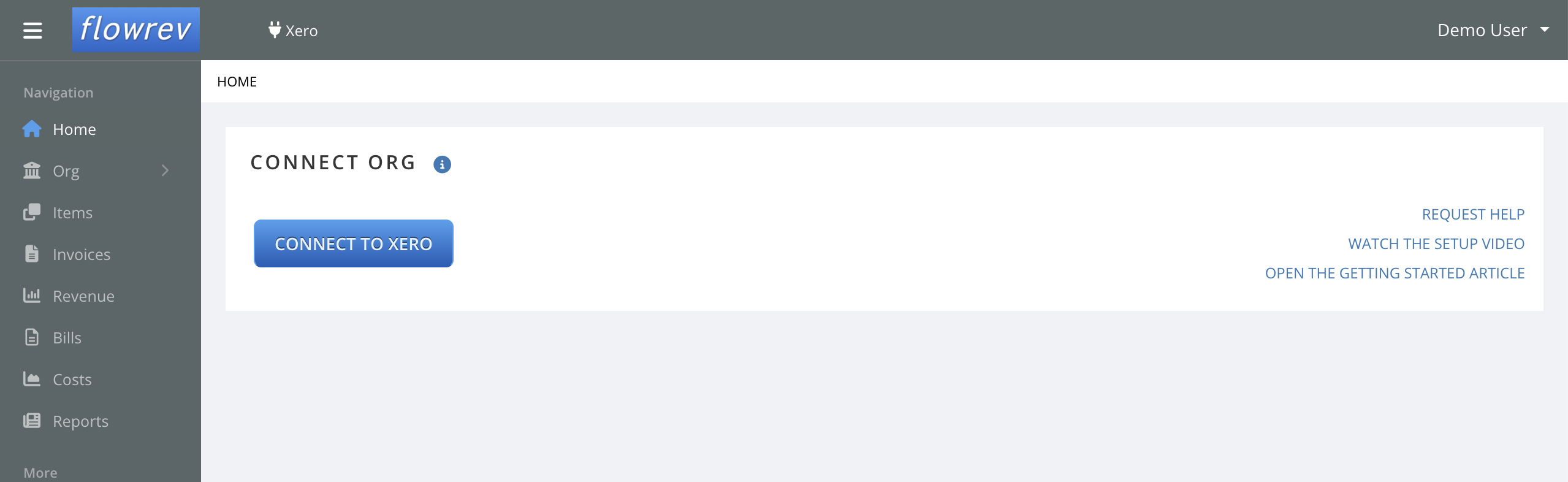
- Connect to an organization by clicking the "Connect to Xero" / "Connect" button page that will display up after sign up / log in.
- Xero will ask you to Authorize your organization with Flowrev, so that Flowrev can access your organization's data.
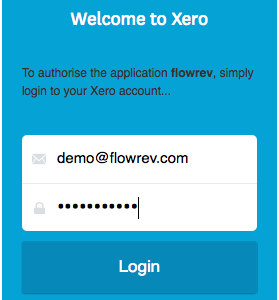
- You'll be taken to the Xero login (if you are not logged in to Xero), and/or to the organization authorization page.
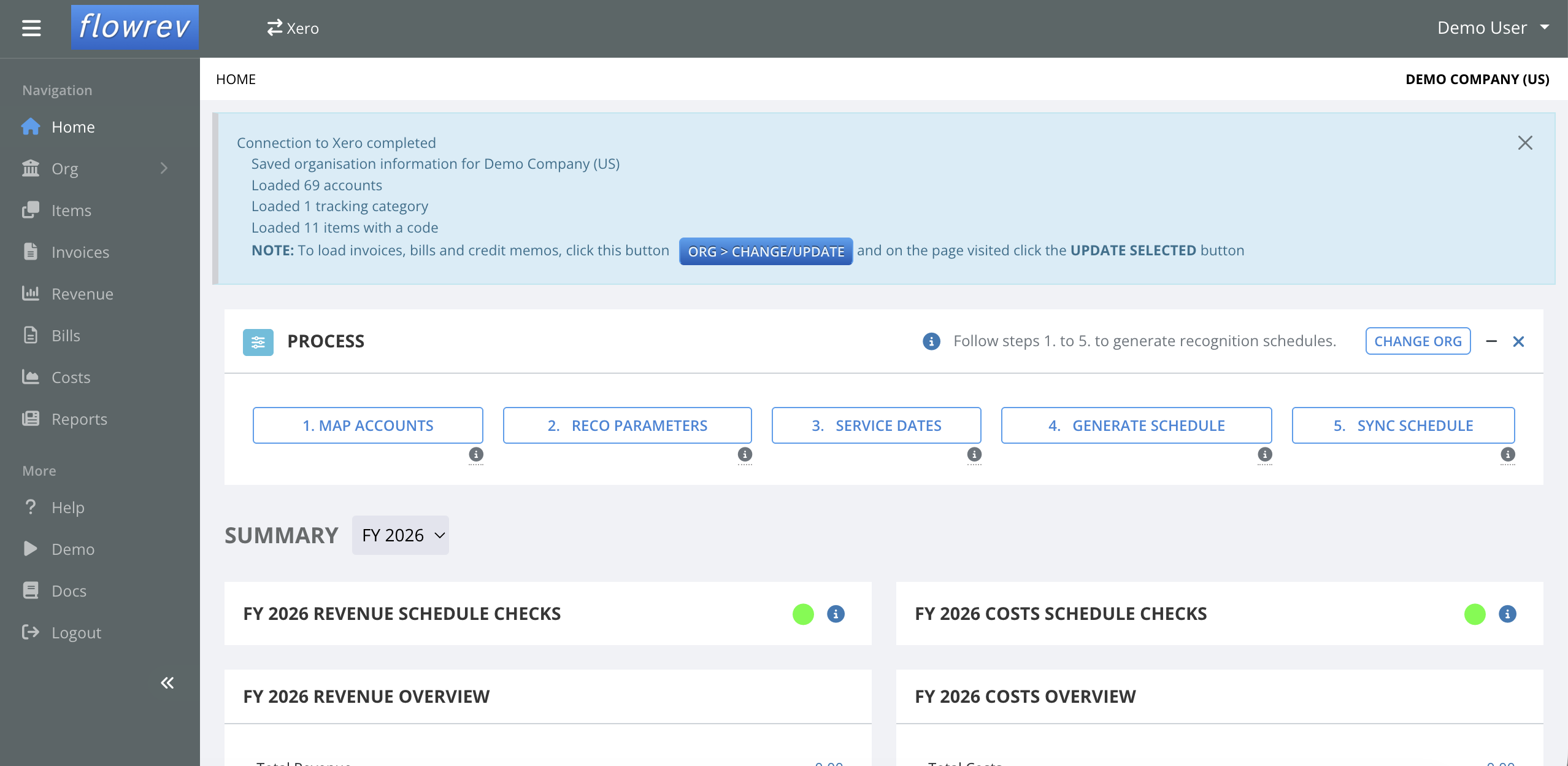
- Once you allow Flowrev access, you will be redirected back to Flowrev. - Flowrev will load relevant information required for revenue and cost recognition - on first connect this includes the chart of accounts, product/service items, and tracking
Note: the first connect process will not load revenue or cost transactions. To load these transaction visit the ORG > CHANGE/UPDATE page and run UPDATE SELECTED. - You can then follow the Flowrev workflow described in the how to get started and use Flowrev article to create your recognition schedule and sync it back to Xero.
NEW USERS WHO JUST SIGNED UP WILL SEE THE BELOW PAGE
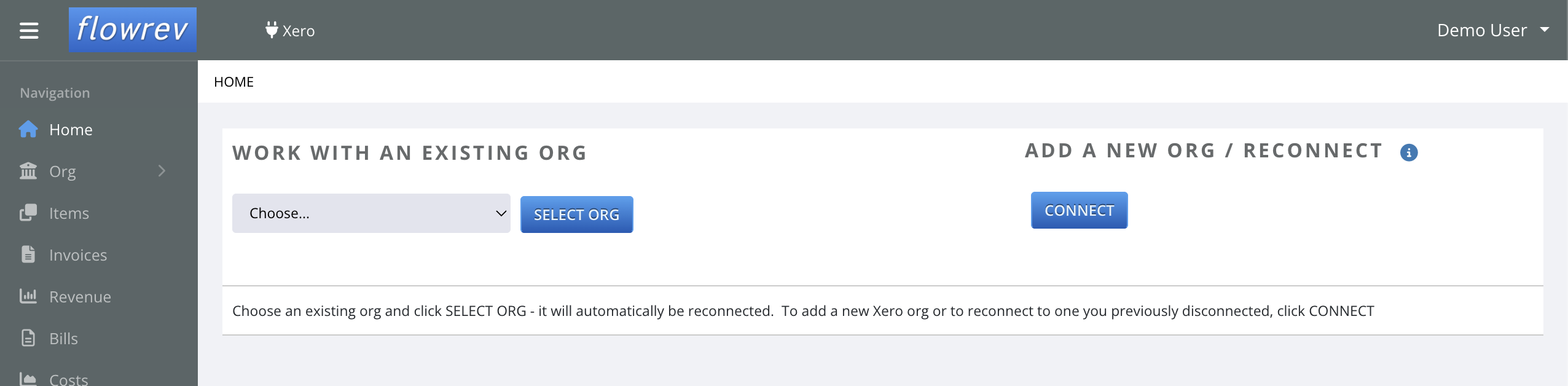
IF YOU HAVE CONNECTED BEFORE YOU WILL SEE THE BELOW SCREEN ON LOGIN (and can "SELECT ORG" vs. "CONNECT").
PRESSING "CONNECT TO XERO" / "CONNECT" WILL SEND YOU TO THE XERO SITE TO LOG IN AND AUTHORIZE ACCESS TO YOUR ORG
SELECT THE ORGANISATION YOU WANT TO LOAD TO FLOWREV AND PRESS "Allow access"

FLOWREV WILL CREATE THE NEW ORG WHICH IS NOW READY FOR SET UP